 Scenedraw
Open and edit Excalidraw files in Google Drive
Keep your .excalidraw files in Google Drive and open them
with one click. Scenedraw edits them in Excalidraw and saves your
changes back to the same file. Free, no ads.
How it works
- Add Scenedraw from the Google Workspace Marketplace.
-
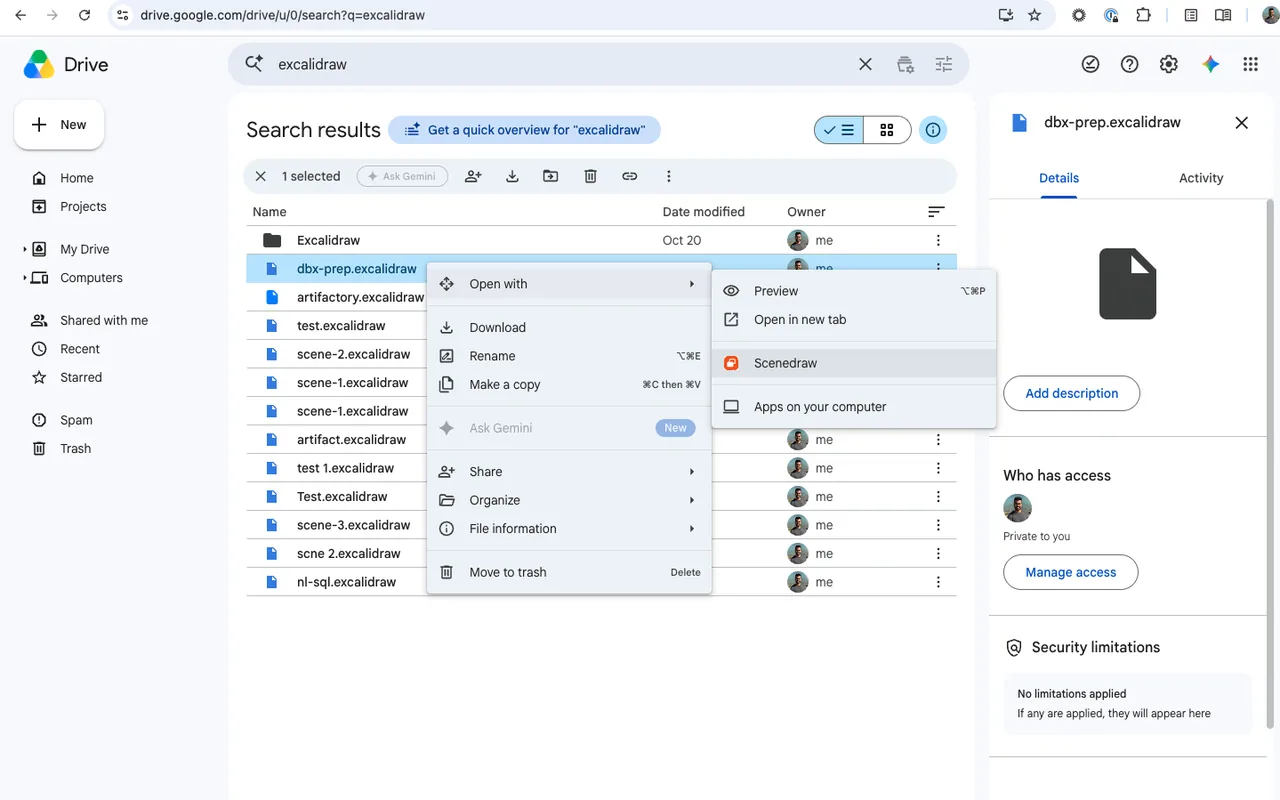
In Google Drive, right-click a
.excalidrawfile and pick Open with, then Scenedraw. - Draw. Changes save back to the same file in Drive, so it stays in its folder and keeps its sharing settings.
To start a new drawing from Drive, use New, then More, then Scenedraw.
Why keep Excalidraw drawings in Drive
- They don't disappear. excalidraw.com keeps your drawing in browser storage. Clearing your browser data, or a reset work laptop, removes it. A file in Drive stays put.
-
They're yours. Each drawing is a normal
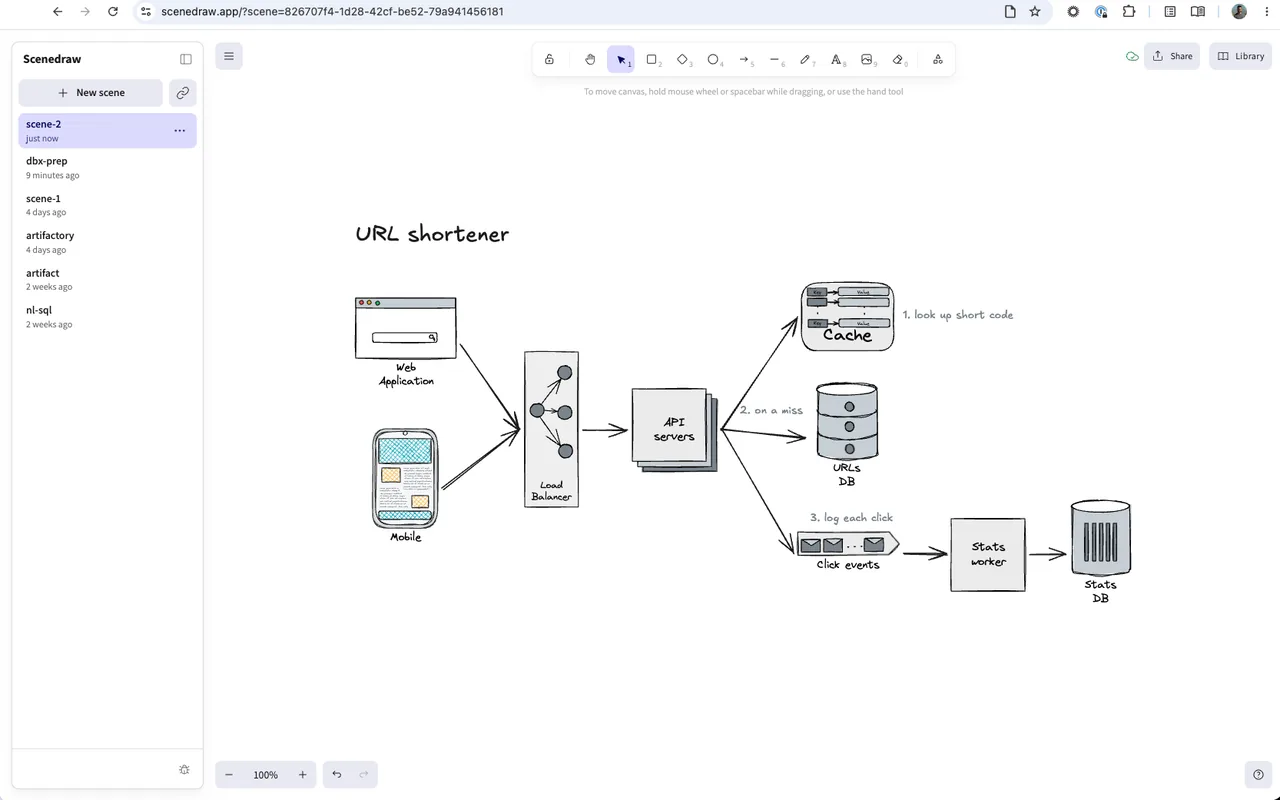
.excalidrawfile in your own Drive. You can download it, back it up, or open it in Excalidraw anywhere. - Many drawings, one place. Scenedraw lists all your scenes and opens each in its own browser tab.
- Easy to share. Share a link that opens a scene for anyone, or share the file in Drive as usual.
Questions
Is it free?
Yes. Scenedraw is free, with no ads.
Can Scenedraw see my other Drive files?
No. It can only reach files it created or that you opened with it. See the privacy policy.
Does it work with files from excalidraw.com?
Yes. On excalidraw.com, use Save to disk to get a
.excalidraw file, upload it to Drive, and open it with
Scenedraw.
What about shared and view-only files?
Files in shared drives work. A file you can only view opens read-only, with a button to save your own copy.
Can several people edit at once?
No. Scenedraw doesn't have live collaboration. It is for keeping and editing your own drawings.